Help centerBank connections






How often the bank syncs, and how to sync now
New bank transactions usually appear within a day, and you can click Sync to pull them in now.
WebiPhoneAndroid
Cash Flow Calendar imports new bank transactions by itself. You can also pull them in yourself whenever you want.
Sync a bank now
- Click your email at the bottom of the sidebar, then Account, and find Banks.
- Find your bank in the list.
- Click Sync.
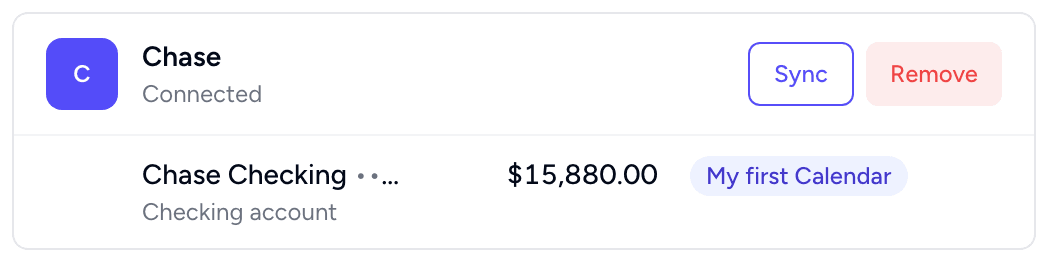
The button shows a spinner while it runs. New transactions then appear on the calendar.
On mobile: tap your avatar at the top to open Account, then Banks, then Sync on your bank.
When the bank syncs by itself
- A sync runs whenever your bank tells us it has new data.
- A nightly sync also runs at 1:00 AM US Central time, to catch anything missed.
Good to know
- Sync is missing when no calendar uses the bank yet. Add the bank's accounts to a calendar first.
- A bank can send a transaction while it is still pending. Pending transactions are imported with that state, and the final amount can change when the bank posts it.
- A sync does not fix a wrong balance. Your balance is set once, when you connect the bank. To correct it, add a balance adjustment.
- If the bank shows Needs attention, a sync cannot import anything. Click Reconnect first.

